Collection Tab & Set Completion
Use the Collection tab to track set completion, spot high-value targets, and estimate the cost to finish any set.
The Collection tab is where CardBndr shifts from inventory management to acquisition planning. Instead of showing a flat list of cards, it shows every set in your database as a collapsible tile — each one summarising how close you are to completing it and what it would cost to get there.
How Completion Is Counted
Before diving into the visuals, it’s worth understanding what “owned” means in this context.
CardBndr counts ownership per logical card, globally across all your inventories. A “logical card” is one unique collector number + name within a set. If you have three inventories — say, one for your personal collection, one for trades, and one for a friend’s stuff — and between them you have one copy of card #42 in any finish, that card counts as owned.
Foil and non-foil versions of the same card number (common in older sets like 7th Edition) are treated as one card for completion purposes. Having the foil counts.
Progress Visuals: The Heat-Map Bar
Every set tile has a thin progress bar beneath the set name. Its colour shifts dynamically based on how complete you are, giving you an instant read without looking at the numbers.
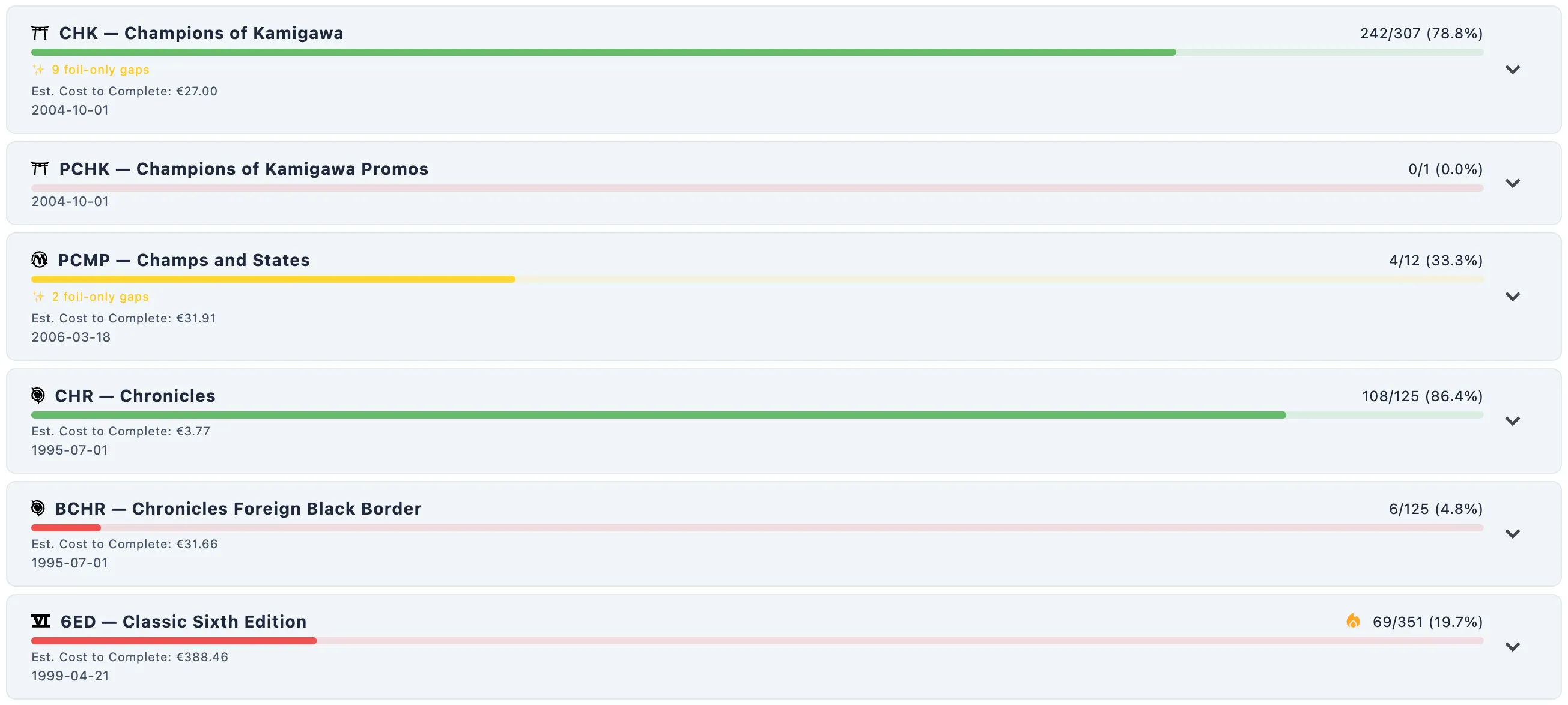
| Completion | Colour |
|---|---|
| 0–24% | 🔴 Red |
| 25–74% | 🟡 Yellow |
| 75–99% | 🟢 Green |
| 100% | 🟣 Purple |
The number alongside the bar — e.g. 42/306 (13.7%) — counts distinct owned card numbers over the set’s total, so you always have a precise figure to match against the colour.
When a set reaches 100%, the entire tile background shifts to a faint tinted highlight to make completed sets stand out at a glance.
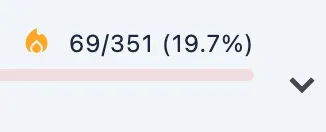
White Whale Indicator 🔥
Some incomplete sets have a fire icon (🔥) next to their name. This means at least one card in that set that you don’t own has a market price above €50. It’s a quick prompt that there’s a high-value target still missing — useful for prioritising which sets to work on.
Estimated Cost to Complete
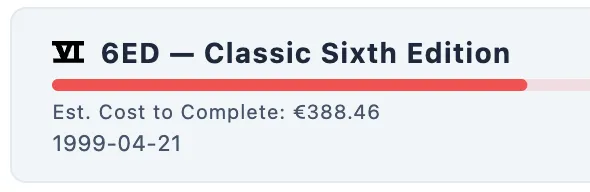
Below the progress bar on each tile, you’ll see a line like:
Est. Cost to Complete: €124.50
This is the sum of market prices for every card in the set where you currently own zero copies across all inventories and all finishes. If you own even a single foil copy of a card, it is excluded from the cost calculation — “owned” means owned in any form.
A few important details about this number:
- Prices used are EUR-first, with USD as fallback. If a card has an EUR price, that’s used. If not (e.g. cards from very new sets), the USD price is substituted. The total is always displayed in euros (€).
- Cards with no price data (€0) contribute €0 to the total. Tokens, art cards, and other unpriced entries don’t inflate the estimate.
- The cost line is hidden when it would show €0.00 — either because the set is complete or because none of the missing cards have any price data.
- It reflects your current sync state. Running a price sync before using the collection tab for acquisition planning gives you the most accurate figures.
Tip: Run a price sync before using the Collection tab for acquisition planning — the cost estimates are only as fresh as your last sync.